How to cancel ChatGPT Plus on iPhone
 Burn Team
The people who make Burn
Short answer
Cancel ChatGPT Plus where you bought it. Bought in the ChatGPT iPhone app? Open Settings, tap your name, Subscriptions, ChatGPT, then Cancel Subscription. Bought on chatgpt.com? Sign in, open the account menu, then Settings, Billing, and under Cancel plan select Cancel. OpenAI says to do it at least 24 hours before the next billing date. Plus keeps working until the end of the period.
Download Burn on the App Store
In this post
Where did you subscribe?
Open Settings, tap your name, tap Subscriptions. If ChatGPT is listed, Apple bills you: use the Apple steps. If not, you most likely paid on chatgpt.com, and OpenAI says a web purchase doesn't show up in Apple or Google subscriptions. Check your receipt: one from Apple means Apple, one from OpenAI means the web.
Cancel ChatGPT Plus through Apple
- Open Settings and tap your name.
- Tap Subscriptions, then ChatGPT.
- Tap Cancel Subscription and confirm.
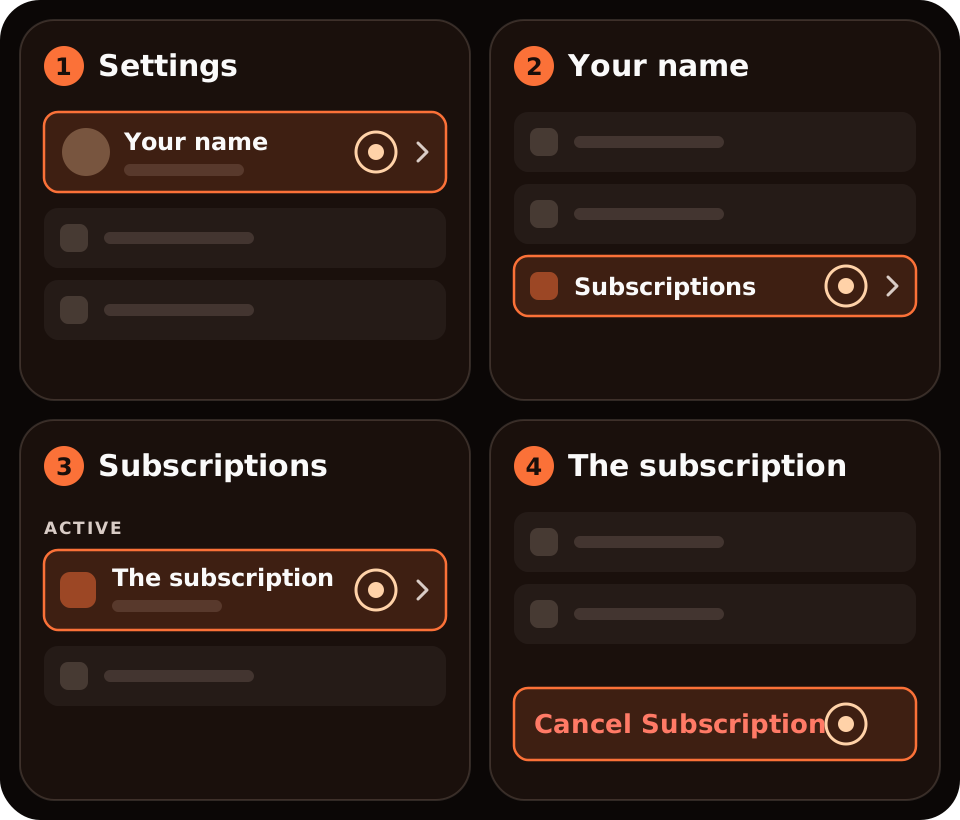
No Cancel button, or red text with an expiry date? Apple says it's already cancelled.
Cancel ChatGPT Plus on chatgpt.com
- In Safari, go to chatgpt.com and sign in.
- Open the account menu, then Settings.
- Open Billing.
- Under Cancel plan, select Cancel.
Subscribed on Android?
Google Play bills you. In the Play Store app, go to Subscriptions, pick ChatGPT and tap Cancel subscription. Or, on the Google Play website, open your subscriptions, choose Manage next to ChatGPT, then Cancel subscription.
What doesn't cancel it
- Deleting the app. OpenAI says uninstalling doesn't cancel.
- Deleting your ChatGPT account, if Apple bills you. Deleting the account cancels a web subscription, but not an Apple one. Cancel in Settings first.
After you cancel: access and refunds
Paid features stay until the end of the period you paid for. Cancelling doesn't refund anything automatically. For web or Google Play purchases, OpenAI says to ask its support for a refund. For Apple purchases, the refund comes from Apple: see how to cancel and request a refund on iPhone.
Where Burn fits
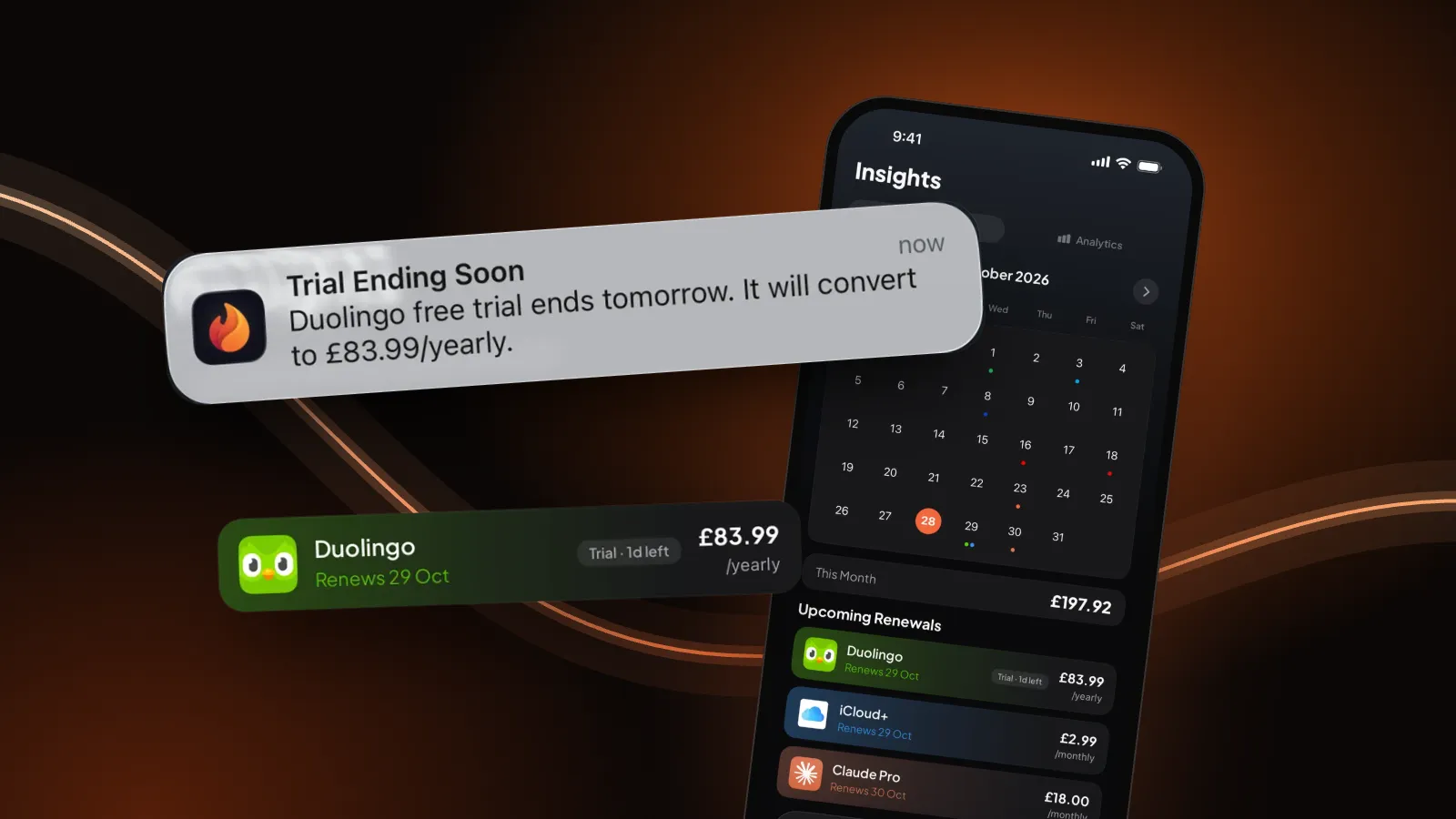
We make Burn, so weigh this. Burn can't cancel ChatGPT; it doesn't connect to OpenAI, Apple or your bank. It reminds you before the renewal, which helps with OpenAI's 24-hour rule. Free for up to 5 subscriptions.
Questions people ask
How do I cancel ChatGPT Plus on my iPhone?
If you bought it in the iPhone app, open Settings, tap your name, Subscriptions, ChatGPT, then Cancel Subscription. If you bought it on chatgpt.com, sign in there and go to Settings, Billing, and under Cancel plan select Cancel.
Why isn't ChatGPT in my iPhone subscriptions?
You probably subscribed on the web. OpenAI says web purchases don't appear in Apple or Google subscriptions. Cancel on chatgpt.com under Settings, Billing.
Does deleting my ChatGPT account cancel Plus?
It cancels a subscription bought on the web, but not one billed by Apple. Cancel an Apple subscription in Settings, and don't rely on uninstalling the app either.
Will I get a refund if I cancel ChatGPT Plus?
Not automatically. For web or Google Play purchases, ask OpenAI Support. For Apple purchases, request it from Apple.
When should I cancel ChatGPT Plus?
At least 24 hours before your next billing date, OpenAI says. Plus keeps working until the end of the period you paid for.
Sources: OpenAI Help Center, Canceling your ChatGPT subscription; Apple, If you want to cancel a subscription from Apple. Checked 30 October 2026. If the screens differ, OpenAI's help article wins.