How to cancel subscriptions on iPhone
 Burn Team
The people who make Burn
Short answer
Open Settings, tap your name, tap Subscriptions, tap the one you want to stop, then tap Cancel Subscription. You might have to scroll down to see the button. That works for anything Apple bills you for. If it isn't in that list, another company bills you and you cancel with them.
Download Burn on the App Store
In this post
- Cancel in Settings
- Cancel from the App Store, a Mac or the web
- When to cancel a free trial
- How to cancel a subscription and get a refund
- Cancel immediately: Germany, Israel, South Africa and Türkiye
- If the subscription isn't in the list
- Cancelling subscriptions Apple doesn't bill
- Where Burn fits
- Questions people ask
Cancel in Settings
- Open Settings.
- Tap your name at the top.
- Tap Subscriptions.
- Tap the subscription you want to stop.
- Tap Cancel Subscription. It can be below the fold, so scroll.
Cancel from the App Store, a Mac or the web
- App Store on iPhone or iPad: tap your picture, then Subscriptions. Same list.
- Mac: open the App Store, click your name at the bottom of the sidebar, click your name again on the page that opens, then Subscriptions.
- Windows PC: open the Apple Music or Apple TV app, click your name at the bottom of the sidebar, then View My Account. Next to Subscriptions click Manage, then Edit on the subscription, then Cancel Subscription.
- Android or no Apple device to hand: go to account.apple.com, sign in and follow the onscreen steps. If Google Play bills your Apple Music or Apple TV, cancel in the Google Play app instead.
When to cancel a free trial
Apple's advice is to cancel at least 24 hours before the trial ends if you don't want it to renew. Leave it to the last evening and you can be charged for the first paid period. When you're only trying something out, cancel on day one: the cancel screen tells you how long you keep access.

How to cancel a subscription and get a refund
Cancelling stops the next charge. It doesn't refund the last one. For that, Apple has a separate form:
- Sign in to reportaproblem.apple.com.
- Choose I'd like to, then Request a refund.
- Pick the reason, then Next.
- Pick the subscription and Submit.
Apple says some purchases "may be eligible", so it decides case by case. Ask soon after the charge, and say plainly what happened.
Cancel immediately: Germany, Israel, South Africa and Türkiye
Normally you keep using the subscription until the next billing date. In these four countries Apple also gives you the right to cancel with immediate effect and get a prorated refund. You do it by contacting Apple Support, not in Settings.
If the subscription isn't in the list
Apple's own checklist:
- Search your email for "receipt from Apple" or "invoice from Apple".
- Check which Apple Account the receipt was sent to. If it's another of yours, sign in to that one and cancel there.
- If it's a family member's account, only they can cancel it.
- No Apple receipt at all? Another company is billing you. Your bank statement says who.
Need a full sweep first? How to see all your subscriptions on iPhone.
Subscribed through your mobile network or another provider? Apple says to contact that provider to cancel.
Cancelling subscriptions Apple doesn't bill
| Billed by | Where to cancel |
|---|---|
| The company's website | Sign in there and look under account or billing. Most streaming, news and software sign-ups work this way. |
| PayPal | On the PayPal website: Settings, Payments, then Subscriptions and saved businesses (or Automatic Payments). Pick the business and cancel. |
| Google Play | Open your subscriptions in Google Play, pick one, tap Cancel subscription. Uninstalling the app doesn't cancel it. |
| Gym, phone, broadband | Contracts with notice periods. Check the contract or ask the company. |
| Your mobile network | Contact the network. These show up on your phone bill. |
Where Burn fits
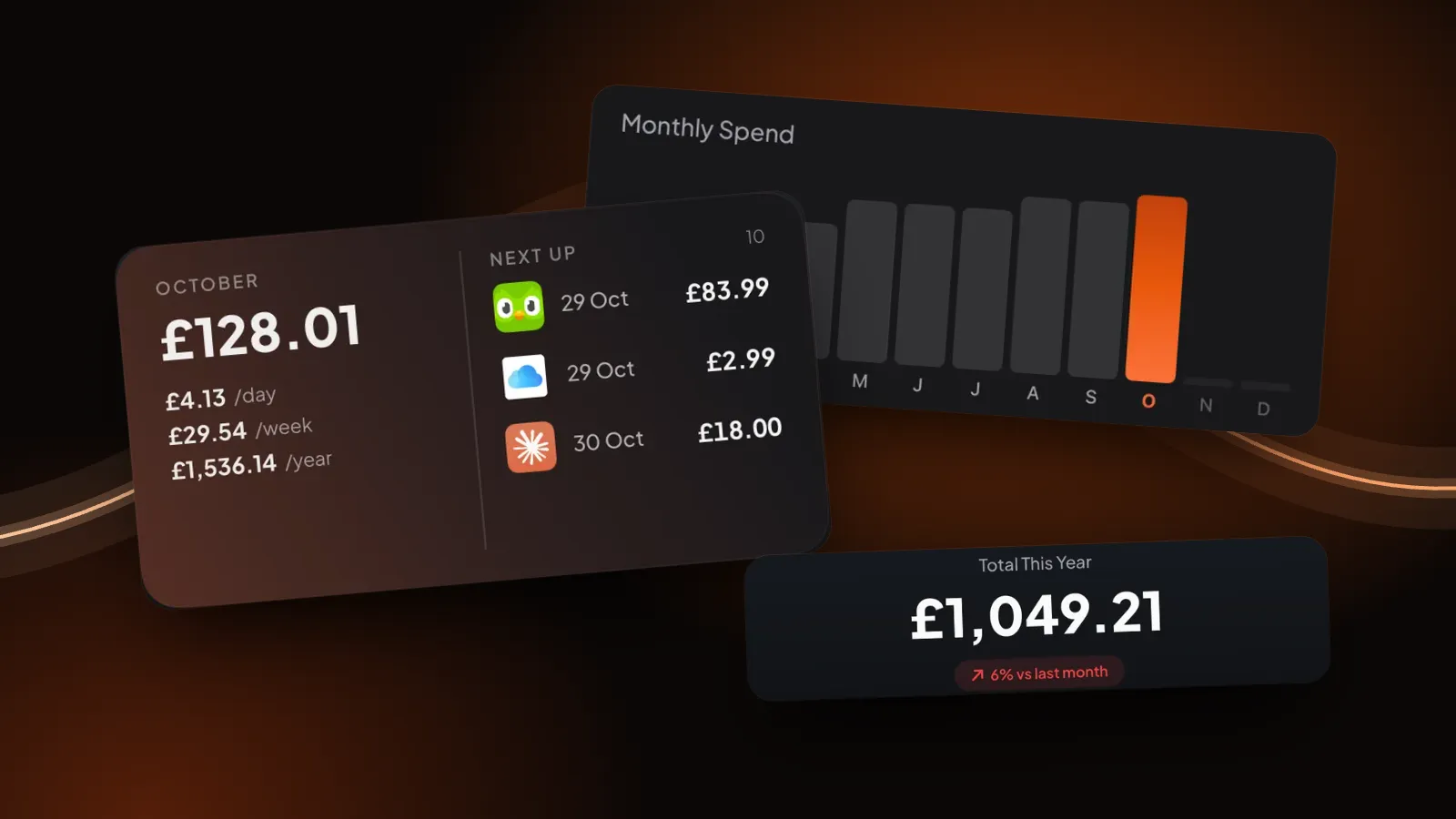
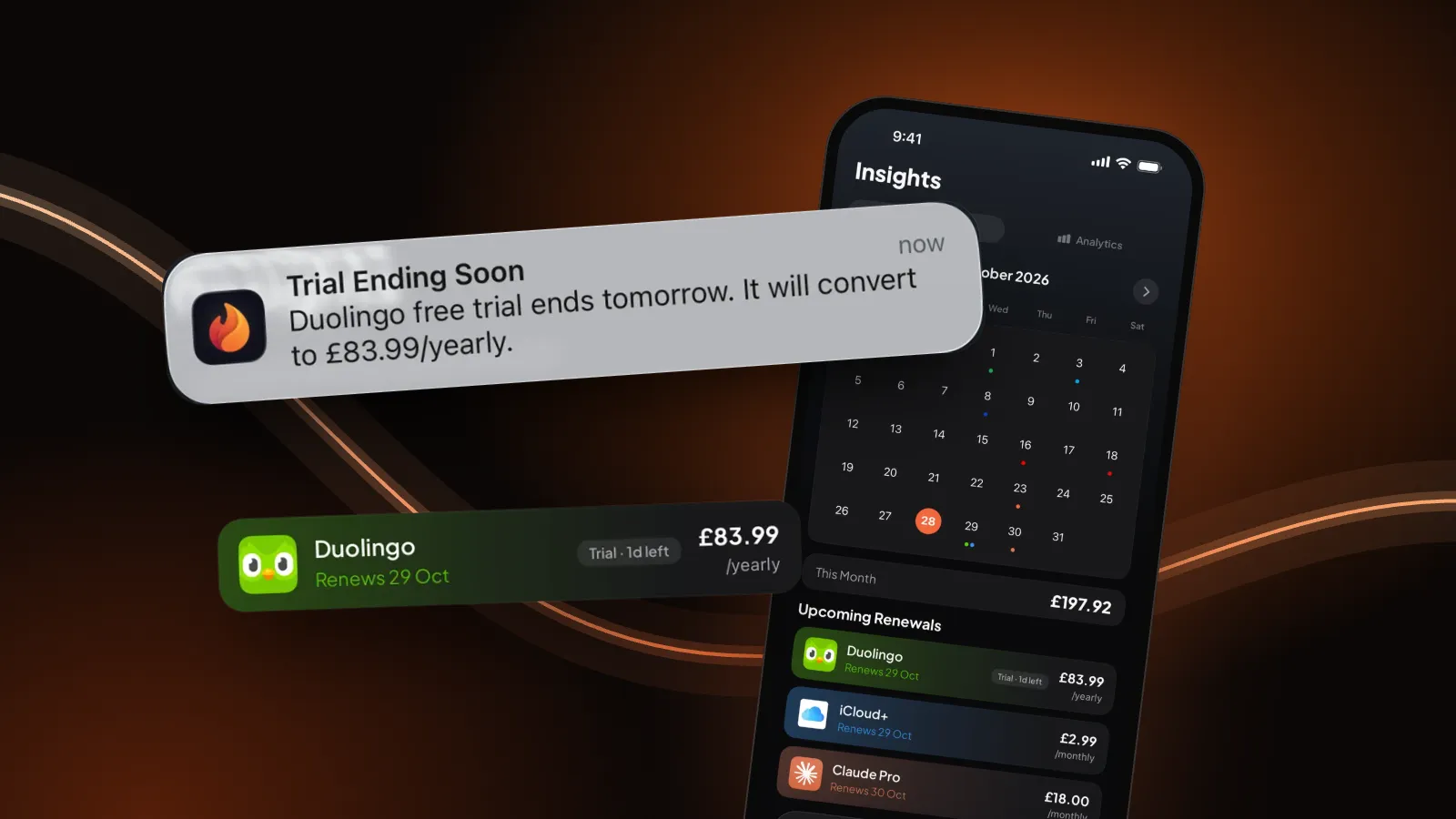
Burn is our app, so read this with that in mind. It doesn't cancel anything and never talks to Apple, your bank or the service. It tells you in time: the day before a free trial turns paid, and before renewals on the day, 1 day, 3 days or 1 week ahead, at a time you pick. After you cancel, mark the subscription cancelled or paused and it drops out of your monthly total. Free for up to 5 subscriptions. New to this? Start with how to track your subscriptions.
Cancel guides by service
- How to cancel Netflix on iPhone
- How to cancel Spotify Premium on iPhone
- How to cancel YouTube Premium on iPhone
- How to cancel or downgrade iCloud+
Questions people ask
Why is there no Cancel button on my subscription?
Apple says that if there's no Cancel button, or you see an expiry message in red, the subscription is already cancelled. It stays active until the end of the period you've paid for.
Do I lose access straight away when I cancel?
Usually not. Cancelling stops future charges and you can keep using the subscription until the next billing date. In Germany, Israel, South Africa and Türkiye you can also ask Apple Support to cancel with immediate effect and get a prorated refund.
Can I cancel a subscription on iPhone and get a refund?
Cancelling doesn't refund anything by itself. To ask for one, sign in to reportaproblem.apple.com, choose I'd like to, then Request a refund, pick a reason and the subscription, and submit. Apple decides each request.
When should I cancel a free trial on iPhone?
Apple says to cancel at least 24 hours before the trial ends if you don't want it to renew. Leave it later and you may be charged for the first paid period.
Does deleting the app cancel the subscription?
No. The subscription belongs to your account, not to the app on your phone. Cancel it in Settings for Apple billing, or with the company that bills you.
Can Burn cancel subscriptions for me?
No. Burn doesn't connect to Apple, your bank or any service, so it can't cancel anything. It reminds you before renewals and the day before a free trial ends, so you have time to cancel yourself.
Sources: Apple, If you want to cancel a subscription from Apple, Request a refund for apps or content and Cancelling in Germany, Israel, South Africa or Türkiye; Google, Cancel a subscription on Google Play; PayPal, How do I cancel a recurring payment. All checked 28 October 2026.