Know what you pay for.
How to find, track and cancel subscriptions on iPhone, and straight comparisons of the apps that help. Written by the team that makes Burn, with the trade-offs left in.
-
 Comparison
The best subscription tracker apps in the UK
Seven iPhone apps, their real UK prices, and which one fits the way you want to track. Rocket Money isn't one of them.
-
 How-to
How to cancel iCloud storage on iPhone (iCloud+)
The steps changed in iOS 18.4. Both versions, what to move off iCloud first, and when the change takes effect.
-
 How-to
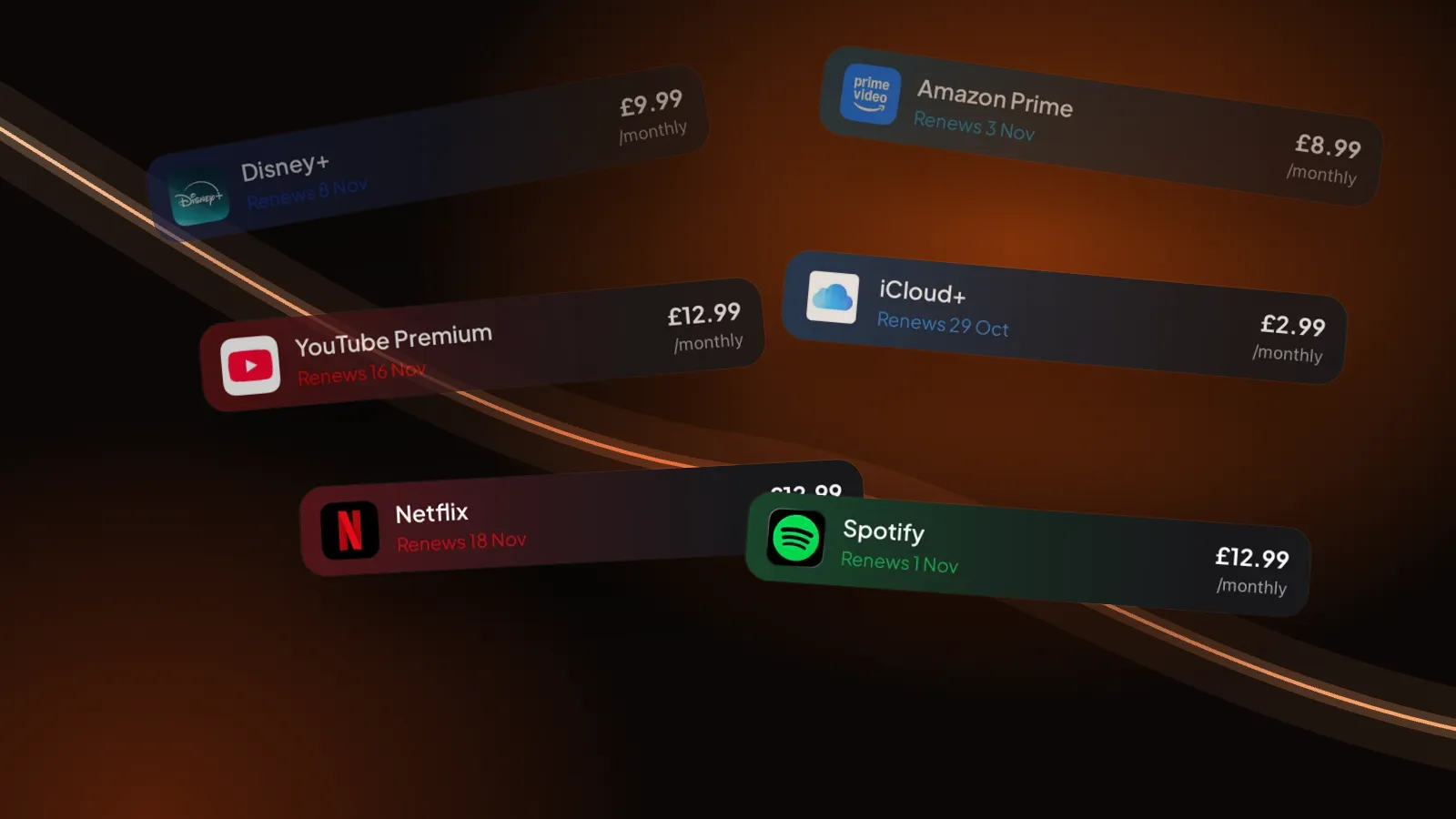
How to see all your subscriptions on iPhone
Settings shows what Apple bills you for. The gym, the broadband and the Netflix plan you started on the website are somewhere else.
-
 How-to
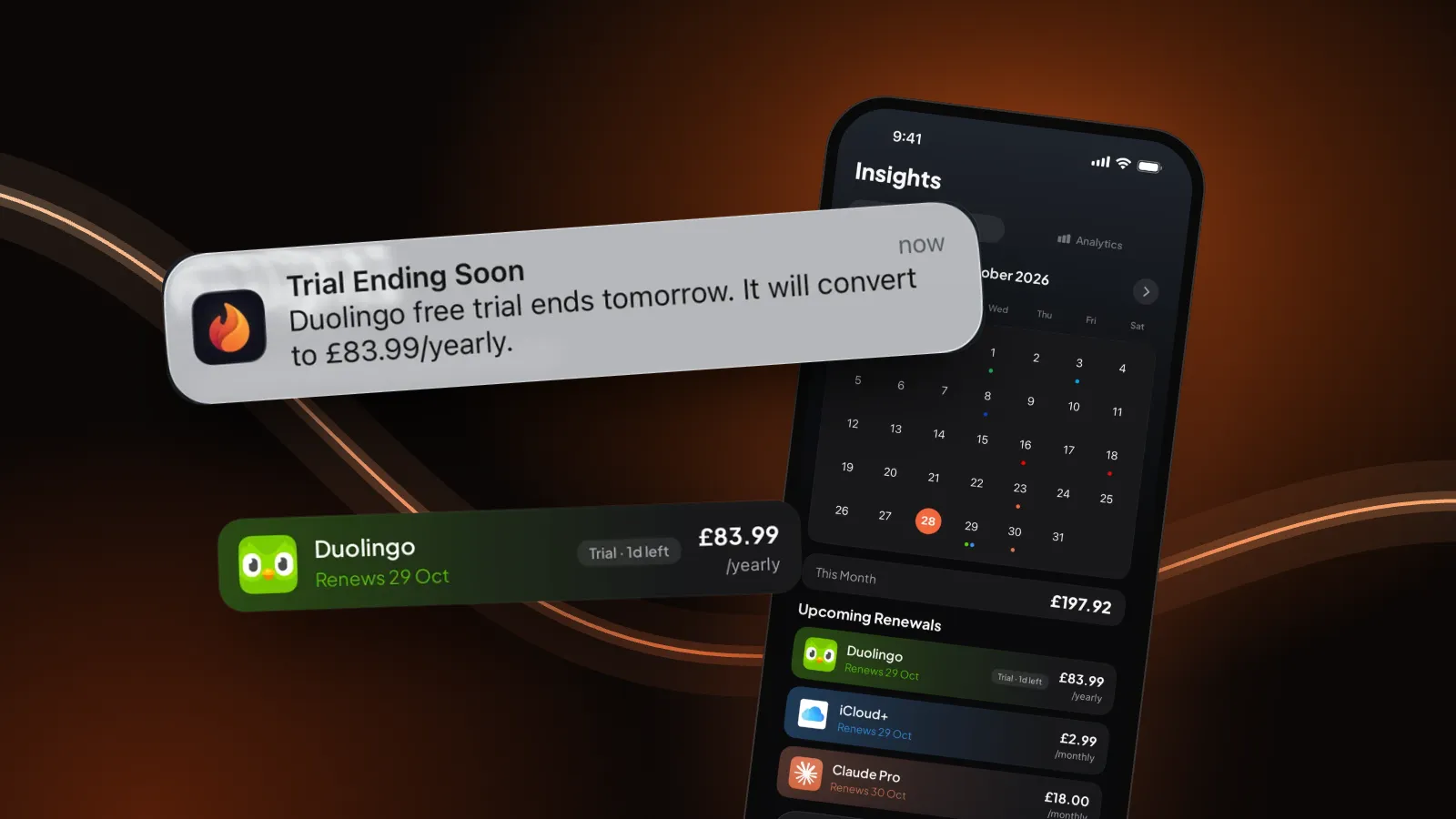
How to cancel subscriptions on iPhone
Five taps in Settings, the 24-hour rule for free trials, how to ask Apple for a refund, and what to do when the subscription isn't there.
-
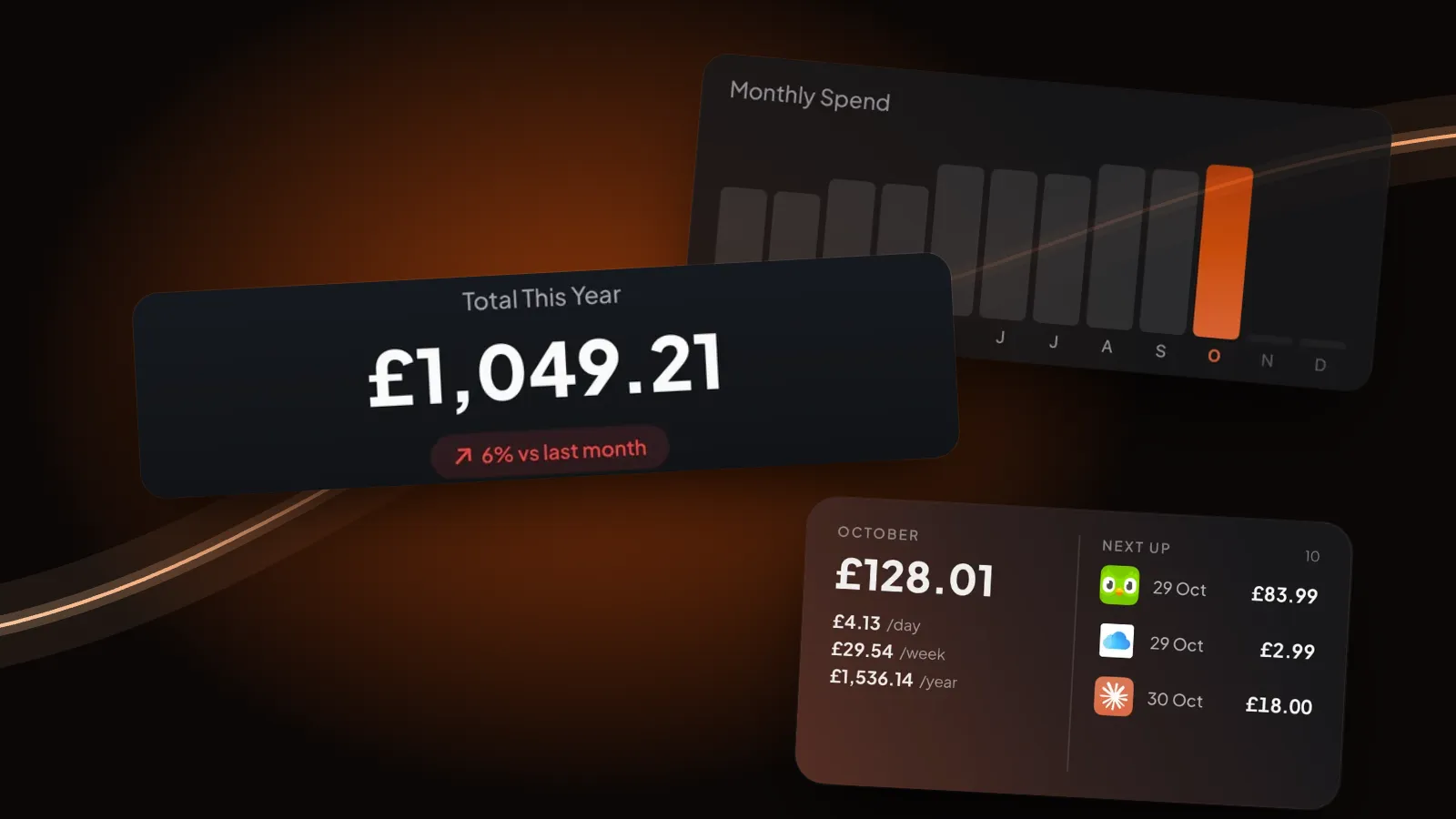 Free tool
Free subscription audit and cost calculator
Tap the services you pay for, flag the ones you barely use, and see your monthly and yearly total plus what cancelling them would save.
-
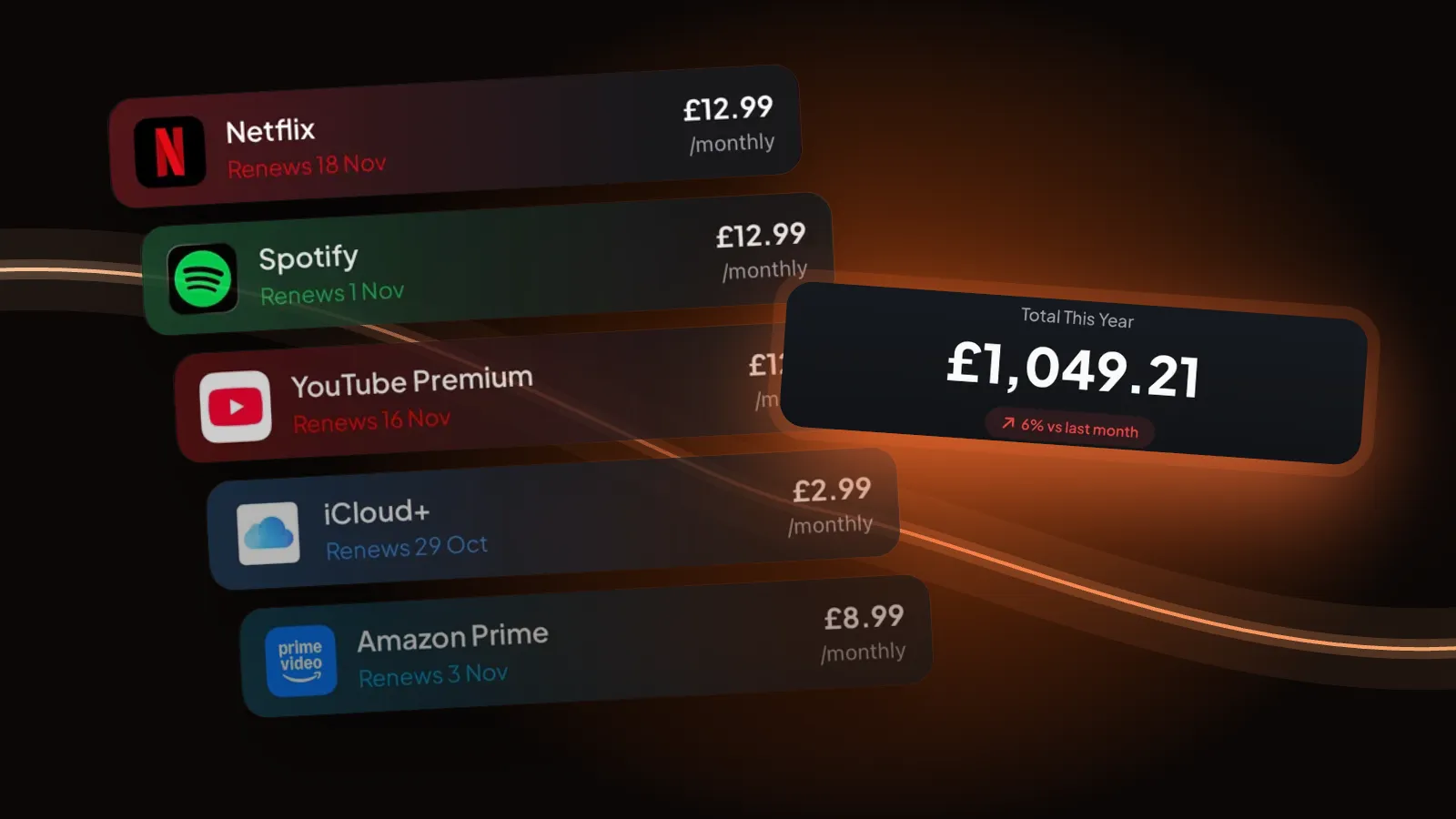 Free tool
Subscription tracker spreadsheet
A free .xlsx for Excel, Google Sheets and Numbers. Drop-downs for cycle and keep/cancel, and formulas that total each currency and what cancelling would save.
-
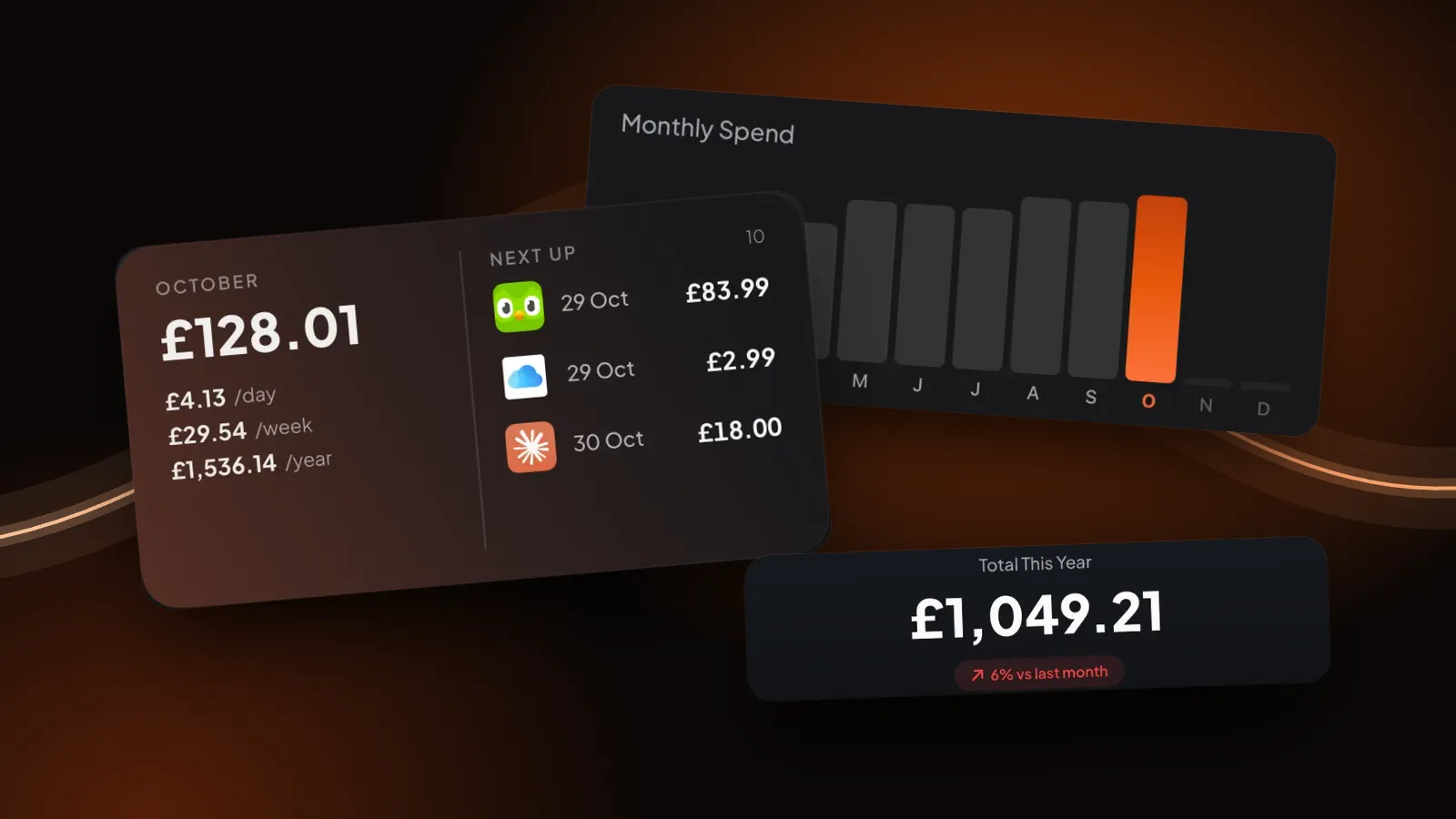 How-to
How to track your subscriptions
A four-step method that works with a spreadsheet: find them all, write down four things, set reminders, look once a month.
-
 Free tool
Printable subscription tracker template
Print it and fill it in by hand. Seven columns, including the two most lists forget: who bills you and where to cancel.
-
Free tool
Free subscription tracker template (Excel, Google Sheets, Notion)
One template, three apps: an .xlsx with formulas for Excel and Google Sheets, and a CSV that Notion turns into a database.
-
 Comparison
Rocket Money alternatives in the US, UK and Europe
Rocket Money is US-only. Which part of it you actually need decides what to use instead, in the UK, Germany and the rest of Europe.
-
 Comparison
Bobby alternatives for iPhone
Bobby still works and it's still cheap. Here's what Burn, ReSubs and Subby do differently, and when switching isn't worth it.
-
 How-to
How to cancel Netflix on iPhone
Netflix's own three steps, the Apple route if Netflix is in your iPhone subscriptions, and pausing instead of leaving.
-
 How-to
How to cancel Spotify Premium on iPhone
Two taps on your Spotify account page in Safari, what happens to your playlists, trials, Family plans and partner billing.
-
 How-to
How to cancel YouTube Premium on iPhone
Joined in the YouTube app on iPhone? Then Apple bills you. The two routes, and when Premium actually stops.
-
How-to
How to cancel Amazon Prime on iPhone
Amazon bills Prime, not Apple, so the cancel button is on your Prime membership page. The steps, the refund rules, and the channels that keep charging.
-
How-to
How to cancel Disney+ on iPhone
Disney+'s own five steps in Safari, the Apple route for older subscriptions, and what to do when a partner bills you.
-
How-to
How to cancel ChatGPT Plus on iPhone
Bought it in the iPhone app? Apple bills you. Bought it on chatgpt.com? Cancel under Billing. Both routes, and why deleting your account isn't enough.
-
How-to
How to cancel Super Duolingo on iPhone
In the app, in iPhone Settings or on the website, depending on where you started it. Your streak is safe, and deleting the app cancels nothing.
-
How-to
How to cancel Audible on iPhone
Spend your credits first. Then cancel on the Audible site, or in iPhone Settings if Apple bills you. Books you bought stay yours.