How to cancel Amazon Prime on iPhone
 Burn Team
The people who make Burn
Short answer
Amazon normally bills Prime itself, so you cancel with Amazon, not in iPhone Settings. In Safari, sign in at amazon.com or amazon.co.uk, open your Prime membership page, choose Update, Cancel and More, and follow the prompts to end the membership. If you haven't used your Prime benefits since the last charge, Amazon says you may get the current period refunded.
Download Burn on the App Store
In this post
First: who bills you for Prime?
Open Settings, tap your name, tap Subscriptions. Prime usually isn't there, because Amazon bills it directly. Only if Prime (or Prime Video) is listed does Apple bill it: then use the Apple steps below. Signed up through Google Play on Android? Cancel in Google Play's subscriptions. If Prime came with another company's service, Amazon says to contact that company.
Cancel Amazon Prime on Amazon's website
- In Safari, go to amazon.com or amazon.co.uk and sign in.
- Open your Prime Membership page. Amazon's help calls it Cancel Your Prime Membership and links straight to it.
- Tap Manage, then Update, Cancel and More.
- Choose the option to end your membership (for example End membership and benefits) and follow the prompts until Amazon confirms.
Menu names can vary by country and change over time. If a label looks different, follow the one that ends or cancels the membership.
Cancel Prime when Apple bills you
- Open Settings and tap your name.
- Tap Subscriptions, then the Prime or Prime Video subscription.
- Tap Cancel Subscription. Scroll if you don't see it.
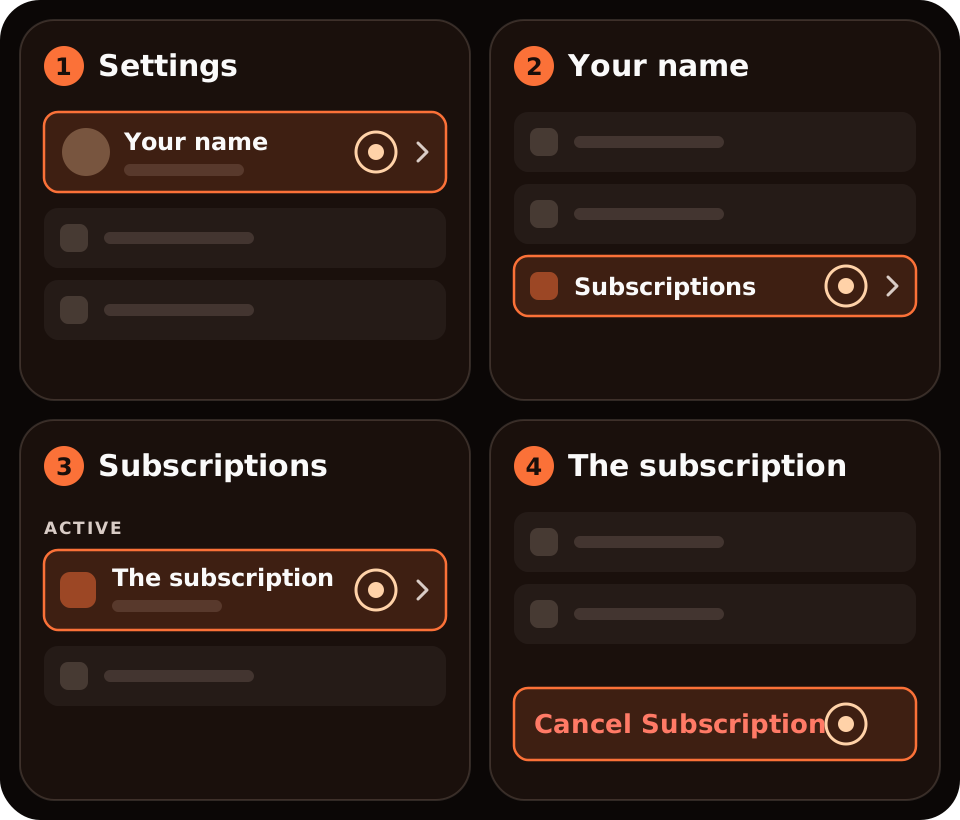
No Cancel button, or red text with an expiry date? Apple says it's already cancelled.
Will Amazon refund Prime?
Cancel before your renewal date to avoid the next charge. On refunds, Amazon's rules depend on what you've used:
- US: cancel within 3 business days of signing up, or of a free trial turning paid, and you get a full refund minus the value of any benefits used in that window. After that, the current period is refunded in full only if you haven't made eligible purchases or used Prime benefits since the latest charge.
- UK: paid members who haven't placed an order using Prime benefits can get a full refund. If you only used delivery benefits, you may get a partial refund. If you watched Prime Video, or used Prime Music or Gaming, you aren't eligible.
- Elsewhere: in some countries Amazon may refund the remaining full months pro rata even if you used benefits. The cancel screen shows what you're offered.
Amazon says refunds are processed in 3 to 5 business days.
Prime Video channels keep billing
Channel subscriptions you added on Prime Video, such as Paramount+, continue after Prime ends. Amazon says to cancel them separately under Memberships and Subscriptions in your Amazon account.
Where Burn fits
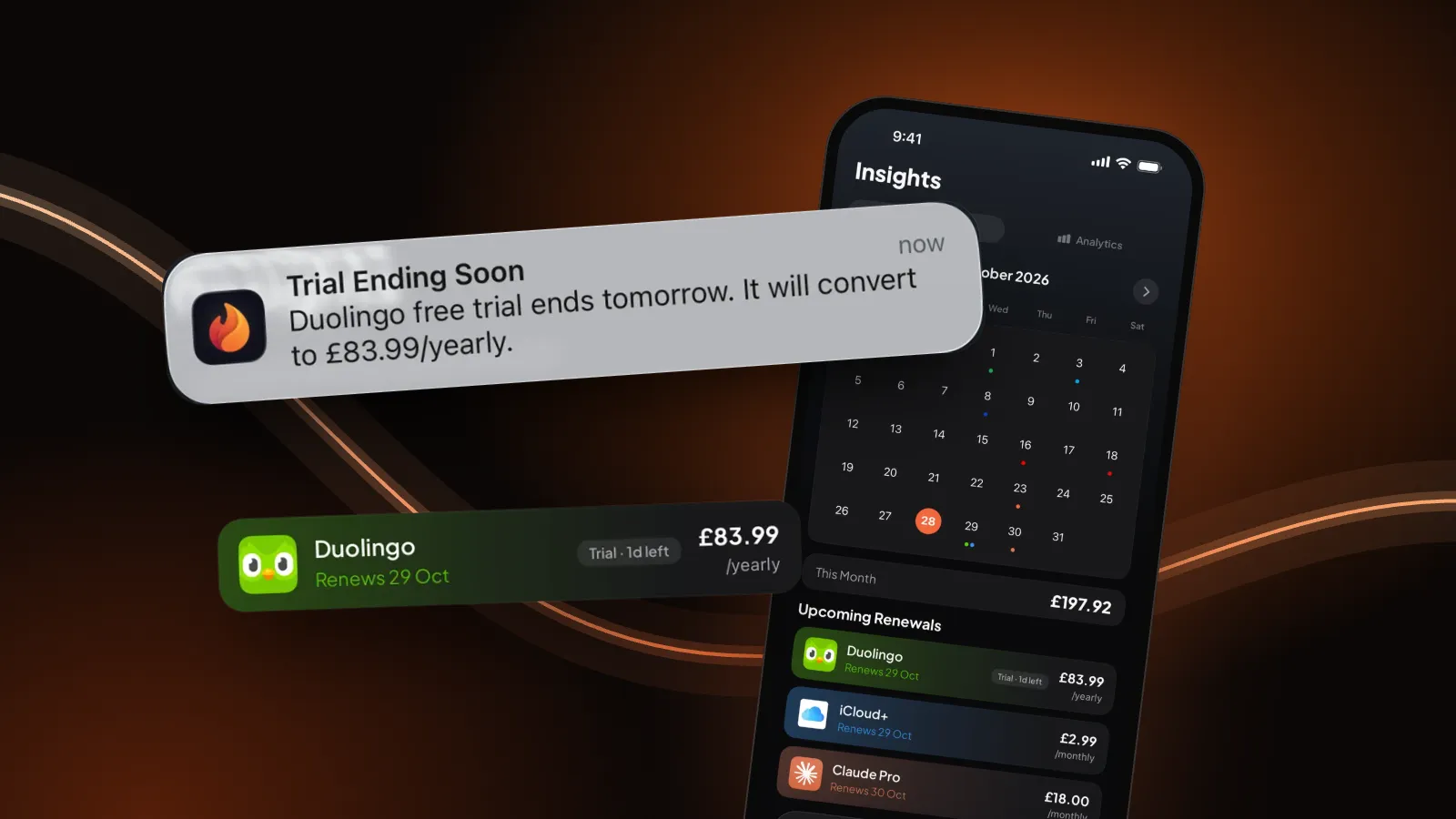
We make Burn, so weigh this. Burn can't cancel Prime for you; it doesn't connect to Amazon or your bank. It reminds you before Prime renews and the day before a free trial turns paid, which is when the refund rules above matter most. Free for up to 5 subscriptions.
Questions people ask
Can I cancel Amazon Prime in the iPhone app?
Usually yes: open your Prime membership page from the Amazon Shopping app's account or menu section, then Update, Cancel and More. Labels vary by app version. Safari on amazon.com or amazon.co.uk always works.
Why isn't Amazon Prime in my iPhone subscriptions?
Because Amazon normally bills Prime itself. Settings, your name, Subscriptions only lists what Apple bills. Cancel on your Prime membership page instead.
Do I get a refund if I cancel Amazon Prime?
Only in some cases. On amazon.com, cancelling within 3 business days of signing up or of a trial converting gets a full refund minus benefits used; otherwise a full refund needs no Prime benefits used since the last charge. In the UK, using Prime Video, Music or Gaming rules a refund out.
Does cancelling Prime cancel my Prime Video channels?
No. Channels such as Paramount+ keep running. Cancel them separately in Memberships and Subscriptions in your Amazon account.
Sources: Amazon.com Help, Cancel Your Amazon Prime Membership and Amazon Prime Terms; Amazon.co.uk Help, Cancel Your Amazon Prime Membership; Apple, If you want to cancel a subscription from Apple. Checked 30 October 2026. Amazon changes its pages; if a step looks different, its help wins.